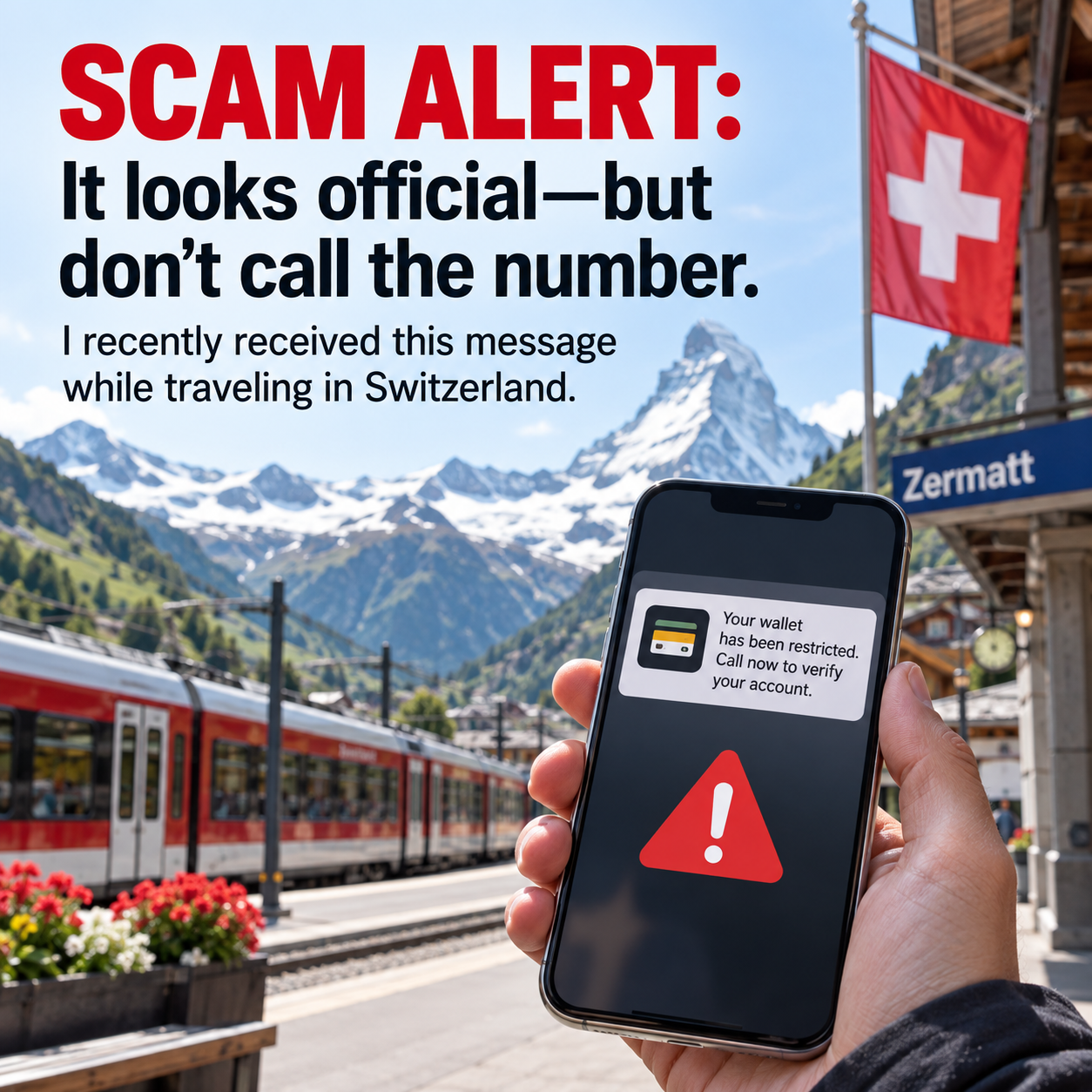
“Critical Wallet Notification: Unauthorized card binding detected for Apple Pay. Pending checkout payment $172.66 from an unknown device. System auto-authorization is in progress. Call to verify your account and stop the automatic bank deduction.”
It looks official. It references Apple Pay, includes a precise dollar amount, and warns that money is about to be deducted automatically. Your natural inclination is to call the telephone number immediately and stop the charge.
That is exactly what the scammer wants you to do.
The message is designed to create fear and urgency before you have time to think or verify the information independently. The number provided in the message does not connect you with Apple or your bank. It connects you directly with the scammers.
What Not to Do
If you receive a message like this:
Do not call the telephone number in the message.
Do not reply to the text.
Do not click any links.
Do not provide your name, address, credit-card number, bank information, password, PIN, Social Security number, device passcode, or verification code.
Do not approve an unexpected Apple Account sign-in request.
Do not install an app, screen-sharing program, security profile, or software at the caller’s direction.
Do not move money to another account, purchase gift cards, or send a payment to “protect” your funds.
Apple and legitimate financial institutions will not ask you to disclose passwords, passcodes, or two-factor authentication codes in order to stop fraud.
How to Check the Claim Safely
Never use the telephone number or link contained in a suspicious message. Instead:
Open the Apple Wallet app directly and review your recent transactions.
Open your bank or credit-card company’s official app.
If you see an unfamiliar charge, call the telephone number printed on the back of your physical card.
Review the cards connected to Apple Pay and look for anything unfamiliar.
Take a screenshot of the suspicious message.
Use “Report Junk” if that option is available, and block the sender.
A suspicious text pretending to be from Apple can also be reported by emailing the screenshot to mailto:reportphishing@apple.com.
What If You Already Called?
Do not panic. Simply placing the call does not normally give someone access to your iPhone, Apple Wallet, or bank account. Hang up, block the number, and do not call back.
If you are still on the call, do not provide any information—even if the caller already knows your name, telephone number, address, or part of a card number. Scammers may use information obtained from public records or previous data breaches to make the call appear credible.
Take additional action based on what occurred:
If You Did Not Provide Any Information
Block the number, report the message, and monitor your card and bank accounts. You are most likely fine.
If You Gave Them a Password or Verification Code
Change your Apple Account password immediately. Make sure two-factor authentication is enabled and review the devices associated with your account. Remove any device you do not recognize.
If You Provided Card or Banking Information
Call your bank or card issuer immediately using the official number printed on your card. Ask for the fraud department, explain what happened, and follow its instructions regarding freezing or replacing the card.
If You Approved a Sign-In Notification
Change your Apple Account password immediately and review the trusted devices listed under Settings and your name. Remove anything unfamiliar.
If You Installed an App or Allowed Screen Sharing
Disconnect the device from Wi-Fi and cellular service. Contact Apple through its official support channel and tell your bank that a scammer may have had access to your screen or financial information.
If You Sent Money or Authorized a Payment
Contact the bank or payment provider immediately. Ask whether the transaction can be stopped, recalled, or disputed. Time matters, so do not wait.
Why Travelers Should Be Especially Careful
Travelers regularly receive legitimate notifications concerning flight changes, hotel reservations, credit-card activity, international purchases, and security alerts. When traveling, a message about an unfamiliar transaction can seem believable—particularly when you are using cards in different cities or countries.
Scammers take advantage of that uncertainty.
Before responding to any unexpected financial or account warning, stop and verify it through a source you already trust. Open the official app yourself or call the number printed on your card. Never rely on contact information supplied in the suspicious message.
A convincing logo, a specific dollar amount, and urgent language do not make a message legitimate.
Take a breath. Don’t call the number. Verify independently.